How to play
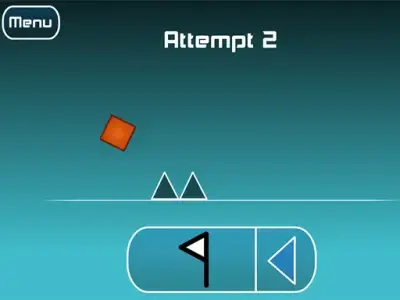
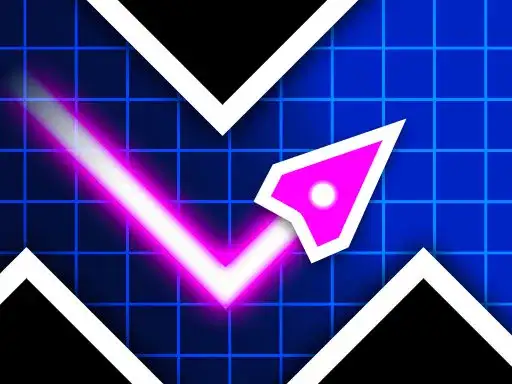
Geometry Vibes is a reaction-based arcade game. You steer an arrow along a route while obstacles, traps and spikes come at you in waves. Keep your arrow on the route and take it as far as you can.
The game includes a classic mode with levels, a race mode for two, three or four players where you can run multiple races, and an endless mode where you test yourself. Each mode asks the same thing of you, which is to react to what arrives next and stay on the line. Stay focused on the route ahead.
Controls explained
Click with the left mouse button or press the up arrow and hold to fly up. Release the button and the arrow dives down. That is the whole control scheme in single player. Hold to climb, let go to fall.
In the multiplayer race modes, the other players share the keyboard. The keys used are the up arrow, H and L. Set your hands before the race starts.
Tips
- Hold briefly and release often. Long holds push you high, and the drop back down is harder to time.
- Watch the next wave rather than your arrow. The obstacles tell you when to press.
- In race mode, keep your own rhythm. Copying another player’s presses pulls you off your line.
- Use endless mode to practice small taps before you take on the levels.
- Learn the shape of each wave in classic mode. Focus on the pattern as it arrives.
FAQ
What is the goal in Geometry Vibes? Keep your arrow on the route and travel as far as possible without hitting the obstacles, traps and spikes that come at you in waves.
How many players can race? Race mode supports two, three or four players, and you can run multiple races. Each player has a separate key for flying up.
Is there a mode without levels? Yes. Endless mode lets you test yourself with no level structure, alongside the classic mode that is built around levels.