How to play
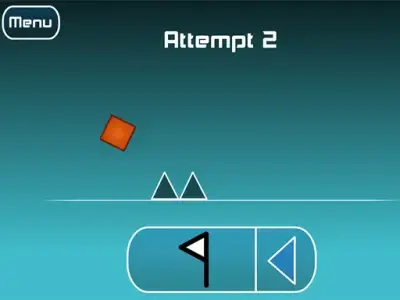
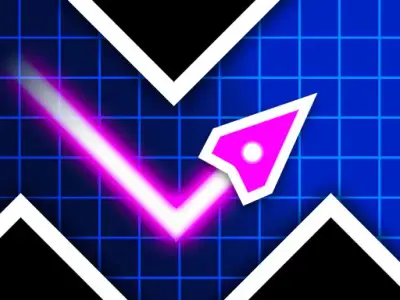
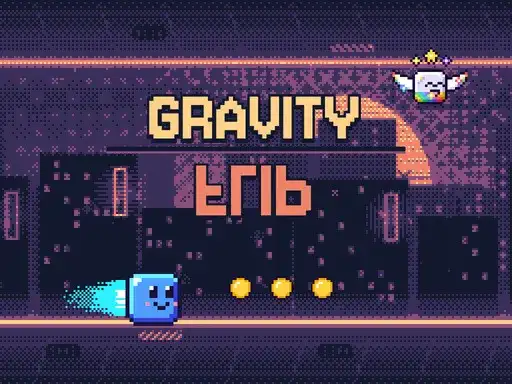
Gravity Flip is a fast pixel-art runner where you control height, not speed. Your cube moves forward on its own, and your job is to keep it clear of spikes, lasers, saws, pillars and crushing presses by changing how high it floats. The developer says the game has 10 worlds and 50 levels, with three stars to earn on each level. Coins you collect can be spent on boxes that contain skins. There are 26 skins to collect, including one very rare Historic skin.
Controls explained
In Hold mode, hold Space, the Up arrow, W, left click or touch to rise. Release to fall. In Flip mode, press Space, the Up arrow, W, left click or tap to flip gravity. P or Esc pauses the game. Pick the mode that suits how you like to play, then use the same key or input to keep your cube at the right height.
Tips
- Watch the obstacle ahead before you hold. Rising early gives you room to release and drop under a laser or press.
- In Hold mode, small taps keep your cube steady. Long holds send it high, so release sooner than you think.
- In Flip mode, each press flips gravity. Plan your flips around pillars and saws so you land in a safe gap.
- Stars are earned per level, so replay a level to collect the ones you missed before moving on.
- Spend coins on boxes when you have enough. Skins are collected from boxes, so gather them as you play.
FAQ
What is the difference between Hold mode and Flip mode? Hold mode lets you rise while you hold an input and fall when you release. Flip mode changes gravity each time you press, so your cube moves to the opposite surface.
How many levels and worlds are there? The developer says there are 10 worlds and 50 levels. Each level has three stars to earn.
How do I get new skins? You spend coins on boxes, and the boxes contain skins. There are 26 skins in total, including one very rare Historic skin.